Brand purpose
Athlete Orchard connects athletes, families, clubs, leagues, coaches and trainers. One home for registration, scheduling, payments and community.
Youth sports runs on five disconnected tools and a volunteer's spare evenings. The brand's job is to look like relief from that, not like another system to learn. So the identity leans calm and structural rather than loud: a deep navy that reads as dependable, a green that reads as growth, and exactly enough orange to point at the one thing that needs a person's attention.
The orchard is the whole metaphor
An orchard is tended, it takes seasons, and it produces something for the people around it. That is the promise: a club is grown, not managed. Every piece of copy that reaches for a battle, a war room, or crushing the competition is off-brand.
Names, and the ones that are wrong
How to write our names, and the spellings to avoid.
| Name | What it is | Rules |
|---|---|---|
| Athlete Orchard | The product. Two words, both capitalised. | Never "AthleteOrchard", never "Athlete orchard", and never shortened to "AO" in anything people read. |
| League Orchard | The former name, retired 7 Sept 2026. | Use only to explain the change. Our customers are clubs, not leagues, so the name moved with them. |
| Ayo | The in-product assistant. | Three letters, capital A. Never "Aiyo", which reads as an exclamation of dismay in Tamil, Sinhala and Chinese; our families are not all English speakers. "Ayo" is Yoruba for joy. |
Taglines
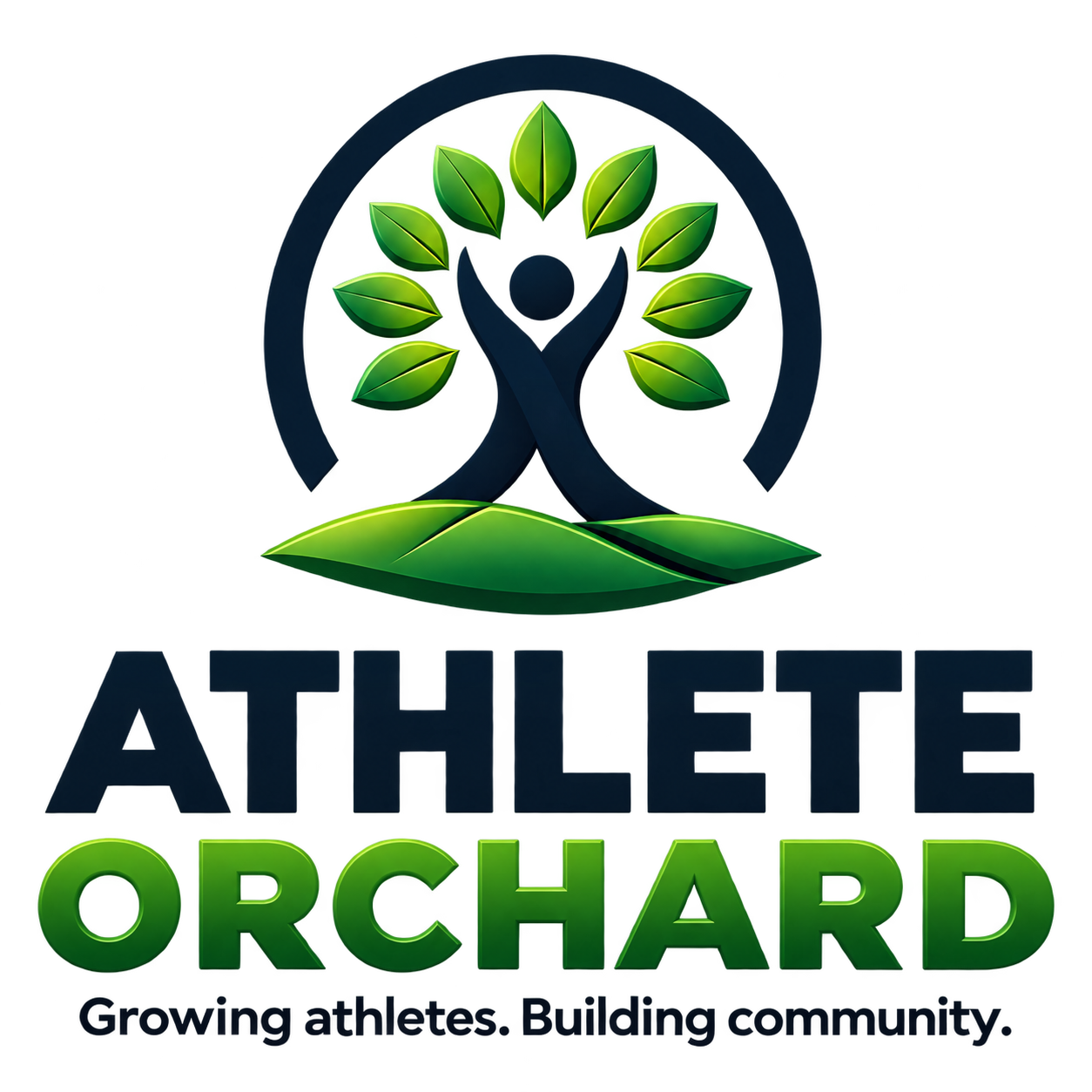
- Growing athletes. Building community. The tagline. Locks up under the logo. Two sentences, two full stops.
- One platform. Every club. Every athlete. The platform line. Marketing headers and the auth pages, never under the mark.
- Everything your club needs to grow. The sign-in headline. Says "club", not "league", deliberately.
Domain
athleteorchard.com, written without www, everywhere.
The logo
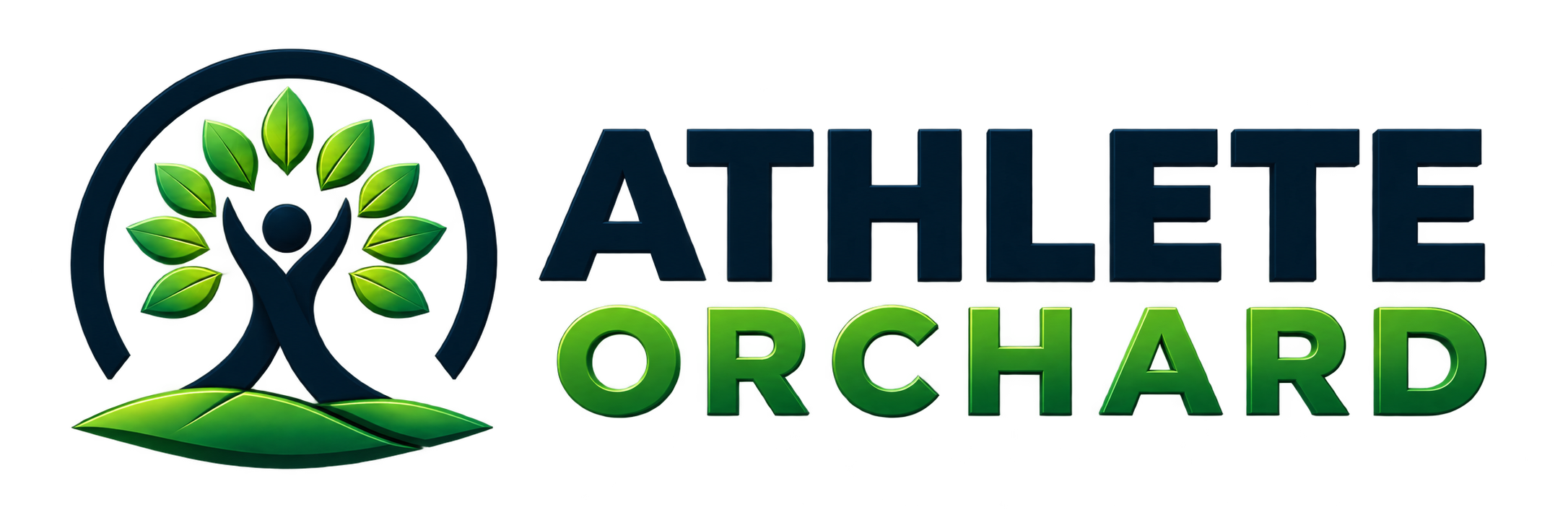
A figure with raised arms doubles as the trunk of a tree, inside an open arc, standing on a green rise. Athlete and orchard in one shape. The arc is deliberately open at the bottom: the club is not a closed circle.
Approved variations





Choosing one
- Light surface → full-colour horizontal. The navy wordmark carries itself.
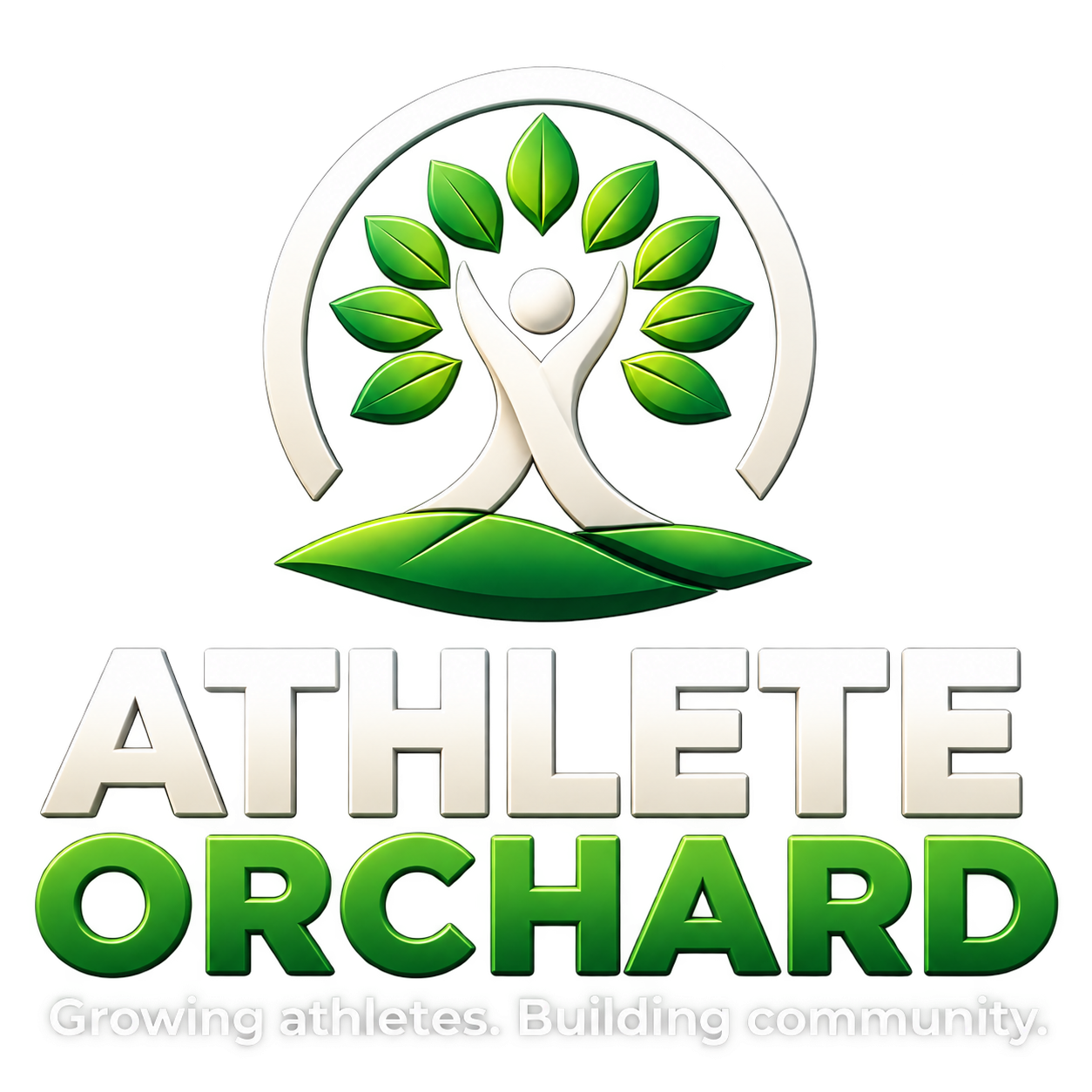
- Navy or photographic surface → the reversed lockup. The navy wordmark disappears on navy, so this is not a preference.
- Under 120 px wide, or square → the mark alone. The tagline is unreadable below that and reads as noise.
- Email →
ao-email-horizontal.png, sized for email.
Clear space and minimum size
- Clear space: the height of the "A" in ATHLETE on all four sides. Nothing enters it, including a club's own logo.
- Minimum size: 132 px wide for the horizontal lockup, 96 px for the stacked lockup with tagline, 24 px for the mark.
- Co-branding: our mark and a club's logo sit on a shared baseline, separated by a 1 px rule at 20% opacity, with the club's on the left. It is their club; we are the platform underneath it.
Colour
Five brand colours and a neutral ramp. The brand colours carry identity; the neutrals do the actual work of an interface. A screen that is 85% neutral and 15% brand is correct, not timid.
Brand core
Roles: what each colour is for
Green used to be the action colour, so every button, link, focus ring and active state was green, and the product read like every other league app. The rule now is navy acts, lime marks, orange asks, green means done. The website and the phone app name each role once and every screen asks for the role, never the colour, so the two always agree.
| Role | Light | Dark | Used for |
|---|---|---|---|
| Action | Navy #0D1B2A | #e8edf3 | Links, text buttons, icon buttons: words a person presses. |
| Action fill, and the words on it | Navy, white words | Growth Lime, navy words | The primary button, a selected segmented control, an active pill, the phone's selected tab. |
| Action, pressed | #14283d | #9fd062 | Hover and pressed for the fill. |
| Accent | Growth Lime #8BC34A | #8BC34A | Decoration only: the nav marker, the page-title rule, a selected tab's underline. Never text on light. |
| Attention, and the words on it | Orange #F28C28, navy words | The same | Unread and needs-you counts, the new dot. |
| Success, words and fill | #2c7830 words, #2E7D32 fill | #63c169 words, the fill unchanged | Confirmed, saved, paid, Going, ready to run, progress achieved. |
| Overline | Navy | Growth Lime | Eyebrow labels over a heading. |
| Focus ring | Navy, 2 px | Growth Lime | The ring on anything focused from the keyboard. |
Why there are still two greens, and it is not a mistake
#2E7D32 is Orchard Green as a solid fill carrying white text (a "Paid" badge, a "Going" answer). #2c7830 is the green for success words on a light surface. They differ by a hair on purpose: on a dark background the success green lifts to #63c169 to stay legible, while a fill behind white text does not move at all.
Neutral ramp
Proportion
A rough target for any screen: ~60% paper and neutrals, ~30% navy in chrome, type and the one or two things a person can do, ~5% green where something is done or good, ~5% lime and orange combined. Orange above about 5% stops meaning "look here"; green above about 5% stops meaning "done" and starts to look like someone else's product.
Contrast, measured
Computed WCAG 2.1 ratios, not estimates. The rule that matters most is the one at the bottom: Growth Lime and Community Orange are never text on a light surface.
| Foreground | Background | Ratio | Normal text | Large / UI | Verdict |
|---|---|---|---|---|---|
| Navy #0D1B2A | White | 16.6:1 | AAA | AAA | Default text. |
| Slate #43536a | White | 7.7:1 | AAA | AAA | Body copy. |
| Mute #67758a | White | 4.7:1 | AA | AA | 14 px minimum. Not for anything essential. |
| Forest #2c7830 | White | 5.5:1 | AA | AAA | Success words ("Paid", "Going"). |
| White | Orchard Green #2E7D32 | 5.1:1 | AA | AAA | A success fill. |
| White | Navy #0D1B2A | 17.1:1 | AAA | AAA | The primary button, light. |
| Navy #0D1B2A | Growth Lime #8BC34A | 8.3:1 | AAA | AAA | The primary button, dark; a lime button on navy. |
| Navy #0D1B2A | Community Orange #F28C28 | 7.1:1 | AAA | AAA | An unread or needs-you count. |
| Harvest 600 #a05a10 | White | 5.3:1 | AA | AAA | Orange text uses this, never #F28C28. |
| Growth Lime #8BC34A | Navy #0D1B2A | 8.4:1 | AAA | AAA | The correct home for lime. |
| Community Orange #F28C28 | Navy #0D1B2A | 7.2:1 | AAA | AAA | Fine on navy. |
| Growth Lime #8BC34A | White | 2.1:1 | FAIL | FAIL | Never. Not even for a label. |
| Community Orange #F28C28 | White | 2.5:1 | FAIL | FAIL | Use as a fill with navy text, or switch to Harvest 600. |
The one that gets broken
An orange "Pending" pill with orange text on white is the easiest contrast mistake to make. The fix is a pale orange fill with navy text, or Harvest 600 text. Both read as orange; both are legible.
Typography
Montserrat, one family, everywhere, free from Google Fonts. Headlines and interface use the same family; the difference is weight and letter-spacing, not typeface.
Rules
- Weights in use: 400 body, 600 emphasis, 700 headings in dense UI, 800 display and overlines. 500 and 900 exist in the loaded set but should not be reached for casually.
- Negative tracking scales with size. Display gets
-0.028em; body gets none. Montserrat at large sizes without it looks unset. - Line height: 1.02–1.15 for display, 1.6–1.7 for body. Never 1.4 for a paragraph.
- Measure: cap body copy near 60–70 characters. On a phone that is one column, always.
- Italic is for one emphasised word in a display headline, as in Every athlete. Not for whole sentences.
- Never all-caps a sentence. Caps are for overlines and short labels under about five words.
Brand values
Four words, and what each one obliges the product to actually do.
Voice and tone
We are talking to a volunteer treasurer at 10pm who has four other things to do. Direct, plain, specific. Lead with the answer.
Mechanics
- No em dashes. Use a comma, a colon, or rewrite the sentence. This is absolute.
- Sentence case for every heading, button and label. Not Title Case.
- Second person. "Your club", "your teams". Not "the user".
- Club, not league. The customer is a club, an organization, or a training business.
- Numbers as numerals from zero up. "3 athletes", not "three athletes".
- No exclamation marks outside a genuine congratulation. Never two.
- Name the actor in errors, and say what to do next. "Something went wrong" is not a message.
In practice
Org theming: whose colours win
A club signs in to see their club. Our brand holds the frame; theirs fills it. (The clubs below are examples.)
The rule
Platform chrome is neutral. Content is themed. The sidebar, the top bar and every control stay Athlete Orchard navy and neutral. The org's colours appear in the page banner, the org mark, team accents, and data visualisation. A person always knows both which product they are in and which club they are looking at.
Where an org's colour may go
- The page banner behind the org name, as a gradient built from their primary.
- A 3 px accent rule under the banner, in their secondary.
- Team badges, jersey-colour chips, and practice-group markers.
- Chart series on their own pages.
- Their public org page and registration form, more generously than inside the back office.
Where it may not
- Primary buttons. Navy (lime in dark) means "this is the action" across every org. A club whose colour is red must not own the same slot as a delete.
- The sidebar and top bar. Neutral, always. This is the product's own furniture.
- Semantic colour. Success, warning and error belong to the system. A green club does not get a green error.
- Body text. A club with a yellow primary would be illegible, and we cannot vet every hex a director pastes in.
A club's colour is checked before it is used
If text would be hard to read on a club's colour, the colour is darkened toward navy until it passes, rather than refused. The banner is a gradient partly so one strong colour cannot make it unreadable.
Light, dark, and where each one applies
The product respects a person's appearance choice. The marketing site does not, and that distinction is load-bearing.
Themed: the signed-in app
Everything behind sign-in follows System, Light or Dark. Dark keeps light's surface ordering rather than inverting it: the card is still the nearest surface, and the page still sits behind it.
Fixed: marketing, auth, legal
The landing page, sign-in, sign-up, onboarding and the legal pages have a composed palette and hold it. They are the first impression and they are photographic; a person's OS preference must not repaint them.
Depth
Depth comes from layered surfaces and hairline borders first, shadow second. Three shadow steps exist and that is all: one for a resting card, one for something raised, one for a dialog. On navy, depth comes from a lighter navy plus a 1 px white border at 8–14% opacity, because a black shadow on a dark surface is invisible.
Do and don't
- Use the reversed lockup on navy and on photographs.
- Keep an "A"-height of clear space around the mark.
- Put lime and orange on navy, where they are legible.
- Let the club's colour own the banner and the badges.
- Make the one real action on a screen the navy fill; keep green for what is done.
- Download the logo files from this page rather than copying a screenshot.
- Write sentence case, and say what to do next.
- Recolour, rotate, outline, or add a shadow to the mark.
- Stretch or squash the lockup, or rebuild it from parts.
- Set lime or #F28C28 as text on a light surface.
- Put a club's colour on a primary button or a semantic state.
- Paint a button, link or active state green because it is important.
- Place the lockup on a busy photo without a scrim behind it.
- Introduce a second typeface, or a gradient on type.
- Write an em dash, Title Case, or "League Orchard" as current.
Logo files
Every file is a PNG at athleteorchard.com. Open one to save it; link to it rather than keeping a copy, so you always have the current one. For print and large formats, use the largest masters.
| File | Use | |
|---|---|---|
ao-horizontal.png | Full lockup, transparent, for light backgrounds. The largest master: 2172 px wide. | Open |
ao-horizontal-onnavy.png | Full lockup reversed, for navy backgrounds and photos. | Open |
ao-horizontal-640.png | Full lockup at web size, for a website or a slide. | Open |
ao-stacked.png | Mark over the name, with the tagline. Square spaces: posters and social posts. 1254 px. | Open |
ao-stacked-onnavy.png | Stacked lockup reversed, for navy backgrounds. | Open |
ao-mark.png | The tree mark alone, transparent. Avatars and tight spaces. 1254 px. | Open |
ao-mark-onnavy.png | The mark reversed, for navy backgrounds. | Open |
ao-app-icon-1024.png | Square, on navy, no transparency: profile pictures and app listings. | Open |
ao-email-horizontal.png | Sized for email. | Open |


The brand colours, with their hex values, are in section 04.